
Find out how Airbnb listing management keeps your property competitive. Lets talk about who can manage, when to hire services, how WiseCoHost can help, and tips for better management, today.
Please fill out the information and we will get back to you soon.

Imagine this: you have just checked into a cozy Airbnb after a long journey. You’re tired, hungry, and not sure where anything is. Then, you find a simple, friendly guidebook or a digital one right on your phone while checking in. It tells you how the Wi-Fi works, where to eat nearby, and even how to use the coffee machine. Instantly, you feel at home. This is exactly what your Airbnb guests want from your rental property.
A well-made Airbnb guidebook saves you, the host, from answering the same questions again and again. It helps your guests settle in faster. They feel more welcome. And when guests feel good, they leave better reviews.
Today, we will show you how to create your own. We will guide you through every detail you will need to create a digital Airbnb guidebook. And at the end, if you do not find making one convenient, we’ve even made it easier with a Canva template. You will be able to design a beautiful, useful guidebook in minutes.
Plus, you can also download our pre-made Airbnb Guidebook to save even more time!
An Airbnb guidebook is a custom and simple, digital travel guide created by hosts to help guests enjoy their stay. It shares local tips, favorite places to eat, fun spots to visit, and useful details about the rental home and the nearby area. Unlike printed welcome books, the Airbnb digital guidebook is shared online. Thus, it becomes easily accessible for everyone.
This way, the host can walk the guest through the area digitally, even if they are not physically present.
Indeed, a digital guidebook for Airbnb helps hosts save time. Instead of answering the same questions over and over. Hosts can share everything in one place and give personalized service. This increases guest satisfaction and gets more positive reviews.
Otherhand, by getting all valuable and necessary information easily guest become happier. It also helps guests explore the neighborhood, try local food, and find hidden gems. Guests often feel more at home when they see personal recommendations from someone who knows the area well. A guidebook adds a warm and personal touch that guests really appreciate, provided by the Airbnb hosts.
Note: The main difference is that a digital guidebook is online, while a traditional one is on paper.
A well-prepared guidebook makes your guest’s stay smoother and more enjoyable. It answers common questions, prevents confusion, and adds a thoughtful touch that guests truly appreciate. From clear directions to house rules, it’s your way of offering help without being there in person. Here’s a breakdown of the essential sections your guidebook should include.
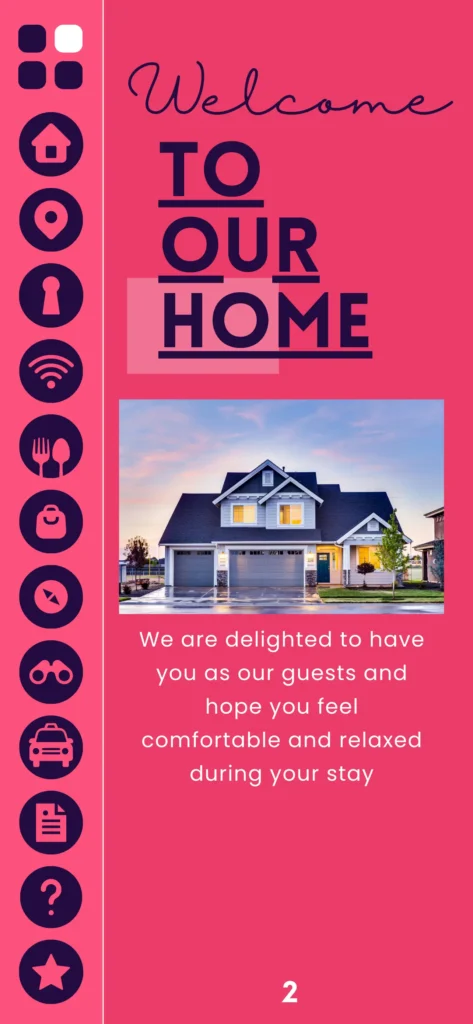
What can be more welcoming than a warm and personalized message that instantly make the guest feel at home! So, the first thing in your guidebook should be a welcome message.
Example:
“Hi there! Welcome to our home. We’re so happy you chose to stay with us. This place is yours for the next few days, so feel free to settle in and make yourself comfortable. If you need anything, just check this guide or send us a message!”
You can also add a short note about what makes your space special, like:
“We love enjoying coffee on the back patio in the mornings, give it a try!”
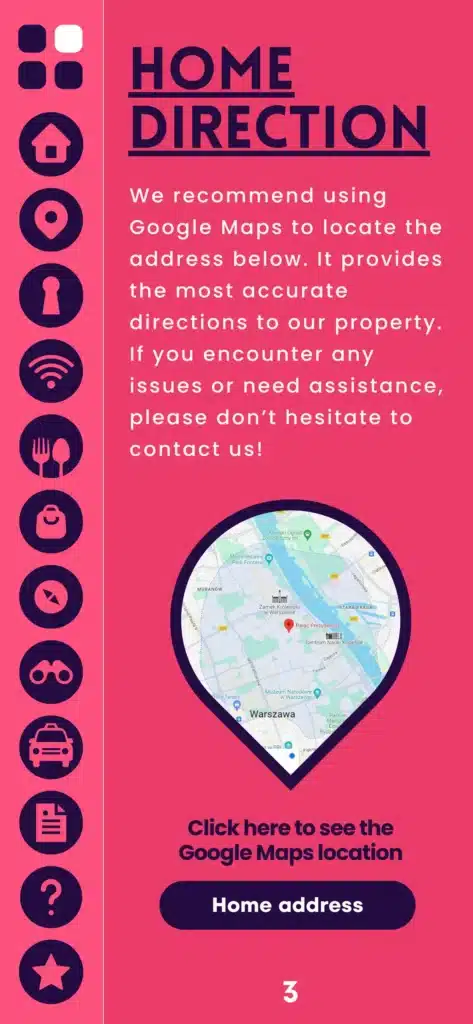
First things first, make it easy for guests to find your place. Without proper direction, guests won’t be able to find your place easily which obviously lead to dissatisfaction. Especially if they’re arriving from out of town or late at night.
Example:
“Our home is a 20-minute drive from the airport. Just take Highway 5 toward Downtown, then turn right on Maple Street. Look for the red mailbox with number 82—it’s right next to the big oak tree. There’s free parking right in front of the house.”
Guests feel more at ease when they know exactly what to do when they arrive and leave.

Example:
“Our home is a 20-minute drive from the airport. Just take Highway 5 toward Downtown, then turn right on Maple Street. Look for the red mailbox with number 82—it’s right next to the big oak tree. There’s free parking right in front of the house.”
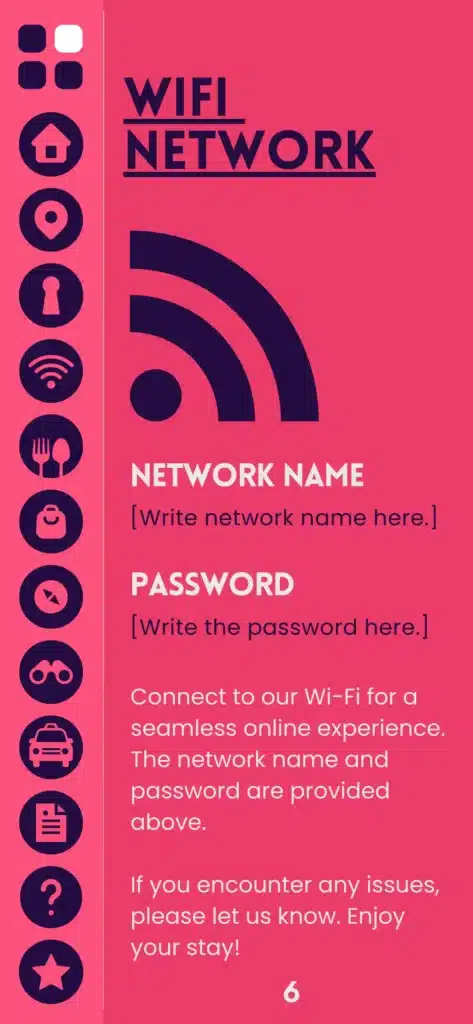
Most of us often first search for WIFI information, and the guests are no different than this. So, try to add the WIFI information so it is easy to find out in your guidebook.
Example:
Wi-Fi Name: STR Assistance
Password: STRAssistance2025
“The router is in the living room. Signal is strong in all rooms, but if you have any trouble, just unplug and plug it back in—it usually fixes it!”
You can also print this on a card and leave it near the bed or TV.
You never want your guests to find it a hassle with the parking lot. That’s why try to help your guests avoid confusion or tickets by giving clear parking info.
Example:
“You can park for free right in front of the house—just stay within the white lines. If that spot’s taken, there’s free street parking across the road. Please don’t block the neighbor’s driveway or park in the spot marked ‘Private.’ No permit is needed!”
If you’re in a city with limited parking, add tips for nearby garages or paid lots.

From Bookings to Cleanings and Guest Communication, We Manage It All for Seamless Operations.
Do not forget to add the common FAQ to the guidebook. Your guest may have several queries; instead of giving each answer of your own, you should add the answers in the book.
Check-out is by 11 AM. Just make sure all windows are closed, lights are off, and the door is locked. Please leave used towels in the bathroom basket.
We try our best to help! Send us a message and we’ll let you know if it’s possible that day.
We don’t offer storage at the property, but we can suggest nearby luggage storage options like KeyNest or a local café.
Let us know right away via Airbnb messages. We’ll do our best to fix it as quickly as possible.
Sorry, we don’t allow pets to keep the space allergy-friendly for other guests.
Only registered guests are allowed to stay overnight. You’re welcome to have a visitor during the day, but please keep the noise low and follow house rules.
For any emergency, dial the local emergency number (e.g., 911). The nearest hospital and pharmacy info are in the “Emergency Info” section.
If you didn’t find the answer you were looking for, our team is here to help. Reach out to us anytime.
